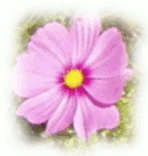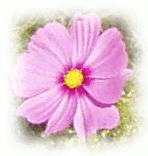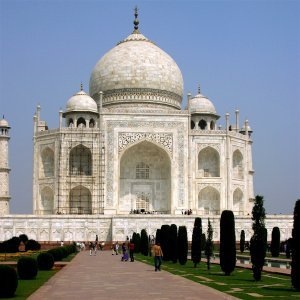
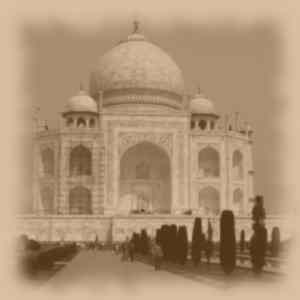
This filter makes an image look like an old photo: blurred, with a jagged border, toned with a brown shade, and marked with spots.

|
Note |
|---|---|
|
If the image is in indexed mode, this menu entry is disabled. |
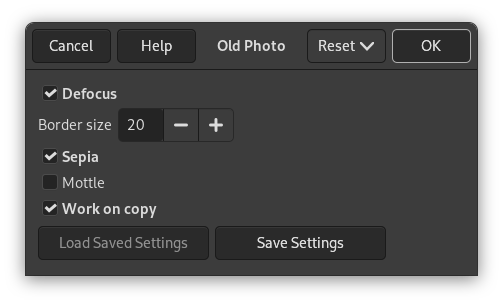
- Defocus
-
If checked, a Gaussian blur will be applied to the image, making it less clear.
- Border size
-
When you choose a border size > 0, the Fuzzy Border filter will be applied to the image, adding a white, jagged border.
- Sepia
-
If checked, the filter reproduces the effect of aging in old, traditional black-and-white photographs, toned with sepia (shades of brown).[11] To achieve this effect, the filter desaturates the image, reduces brightness and contrast, and modifies the color balance.[12]
- Mottle
-
When you check this option, the image will be marked with spots.
Figure 17.276. Example for the “Mottle” option
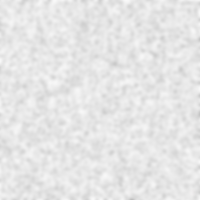
A plain white image mottled (without Defocus or Sepia)
- Work on copy
-
If checked, the filter creates a new window containing a copy of the image with the filter applied. The original image remains unchanged.