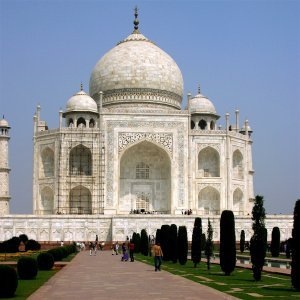
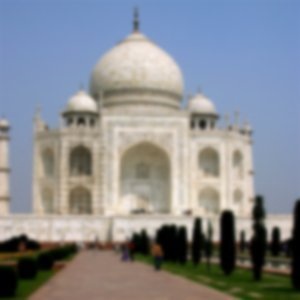
The Gaussian Blur filter acts on each pixel of the active layer or selection, setting its Value to the average of all pixel Values present in a radius defined in the dialog. A higher Value will produce a higher amount of blur. The blur can be set to act in one direction more than the other by clicking the Chain Button so that it is broken, and altering the radius. GIMP supports two implementations of Gaussian Blur: FIR and IIR. They both produce the same results, but each one can be faster in some cases. They are complemented by the default Auto setting, that automatically picks the optimal choice.
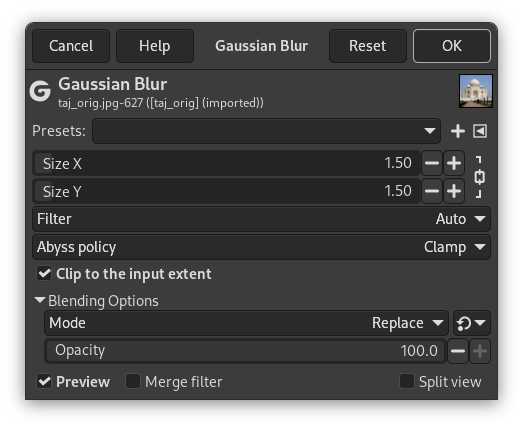
- Presets, “Input Type”, Clipping, Blending Options, Preview, Merge filter, Split view
-

Note These options are described in Section 2, “Common Features”.
- Size X, Size Y
-
Here you can set the blur intensity. By altering the ratio of horizontal to vertical blur, you can give the effect of a motion blur.
- Filter
-
Here you can select the filter type.
- Auto
-
Try to select the best filter automatically. In most cases this default is best left alone.
- FIR
-
Stands for “Finite Impulse Response”.
- IIR
-
Stands for “Infinite Impulse Response”.
- Abyss policy
-
Abyss policy (border management) is treated with Abyss policy.
- Clip to the input extent
-
Should the output extent be clipped to the input extent: this option removes unwanted pixels created on borders by blurring.
Figure 17.13. Example
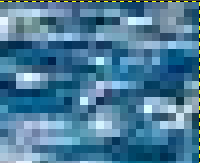
Right-up corner of the image, zoom x800

“Clip to the input extent” unchecked

“Clip to the input extent” checked
The Gaussian Blur filter doesn't preserve edges in the image: