Figure 16.189. “Color Exchange” filter example
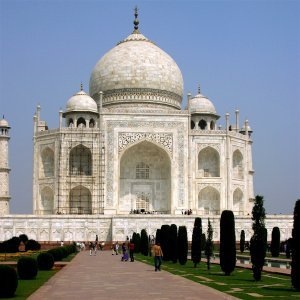
Original image

Filter applied with From color RGB (122, 149, 199), To color RGB (255, 0, 0), Red threshold 0.106, Green threshold 0.100, Blue threshold 0.190.
This filter replaces a color with another one.
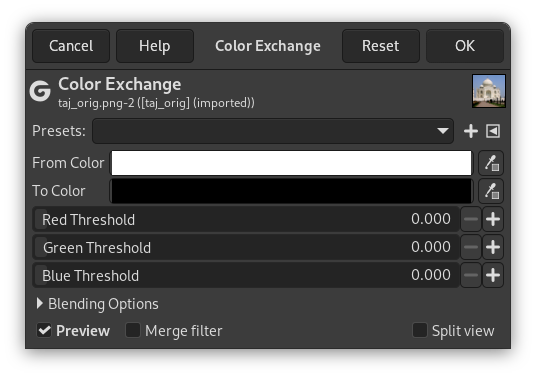
- Presets, Blending Options, Preview, Merge filter, Split view
-

Note These options are described in Section 8.1.2, “Colors Common Features”.
- From color
-
This is the color you want to replace. To choose a color you can either use the color button to open the Color Picker dialog, or you can use the Color Picker tool to pick a color from your image.
- To color
-
This is the new color you want to use. To choose a color you can either use the color button to open the Color Picker dialog, or you can use the Color Picker tool to pick a color from your image.
- Red Threshold, Green Threshold, Blue Threshold
-
These sliders allow you to set how sensitive the red, green and blue components are to differences from the From color. The higher the threshold, the more pixels will be affected.


