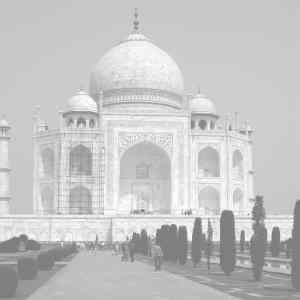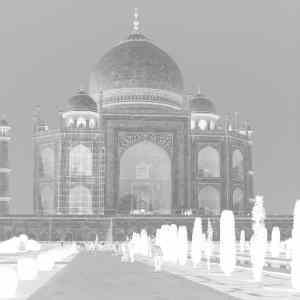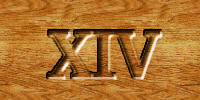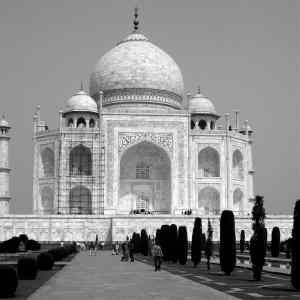
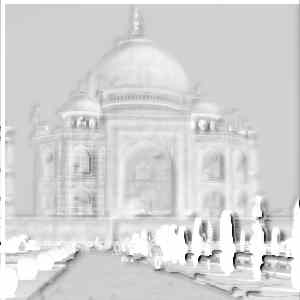
This filter works with two images, source and target. The source image must be a grayscale image containing a single layer and no Alpha channel. This layer is used as selection mask and will work as stencil for the carving effect. The image to be carved (the target image) can be an RGB color or grayscale image, also with a single layer. This target image must have the same size as the source image.

|
Note |
|---|---|
|
If the image is in RGB mode or indexed mode, this menu entry is disabled. |
This filter is found in the main menu under → → .

|
Tip |
|---|---|
|
If this command remains disabled although the image is grayscale, check for an Alpha channel and delete it. |
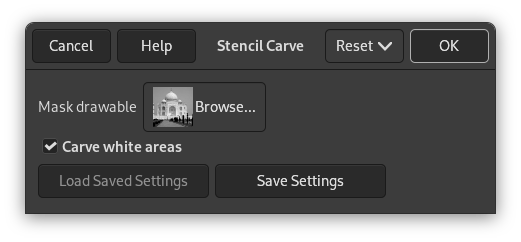
- Mask drawable
-
Here you may select the target image and its layer or channel which the carving effect is applied to.
- Carve white areas
-
If checked (default), the source image is used as stencil as described above. If unchecked, the inverted source image is used as stencil, e.g.:
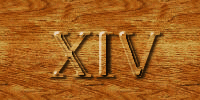
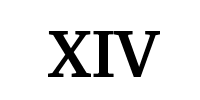
In the example below, the source is a grayscale image. The target is an image with a wood pattern.
On the left, Carve white areas is enabled. The pixels of the target image corresponding to white pixels in the stencil (around the text) have been carved. The result is an embossed text.
On the right, Carve white areas is disabled. The pixels of the target image corresponding to the black pixels in the stencil (the text) have been carved. The result is a hollow text.