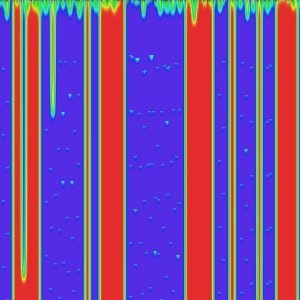
This filter is very efficient but also very complex. It uses a mathematical method named Cellular Automata [WKPD-CA].

|
Note |
|---|---|
|
If the image is in indexed mode, this menu entry is disabled. |
Filter options are distributed among Hue, Saturation, Value, Advanced, Others and Misc tabs. Some more options are available. They will be described in following section.
- Preview
-
This filter offers you a Preview where you can see the result of your settings before they are applied to the image.
- New Seed, Fix Seed, Random Seed
-
Random plays a large part in creating patterns. With these options, you can influence the way random is generated. By clicking on the button, you can force random to use a new source of random. The preview will show you the result. lets you keep the same seed and so to reproduce the same effect with the filter. generates a random seed at random.
- Open, Save
-
With these both command buttons you can save pattern settings in a file, and to get them back later.
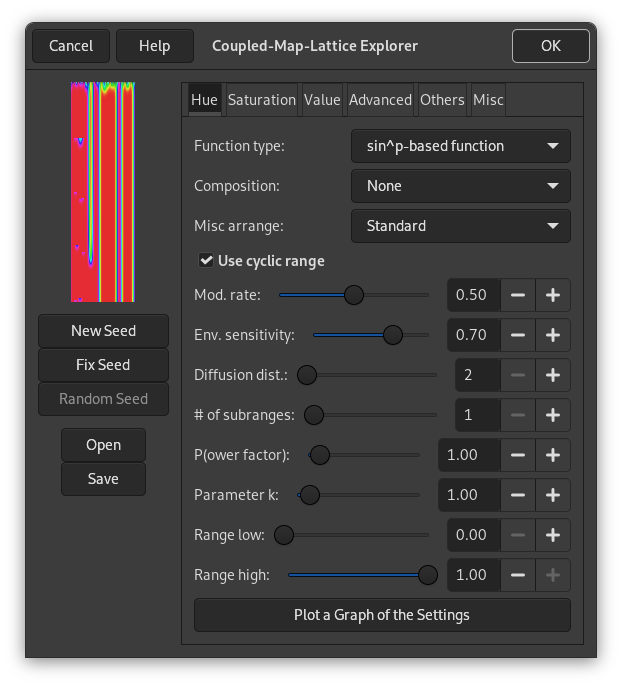
This filter works in the HSV color model. In this tab, you can set options for Hue.
- Function type
-
In this drop-down list, you can select the method that will be used to treat the current layer. These methods are:
- Keep image's values
-
With this option, image hue values will be kept.
- Keep the first value
-
With this option, starting color will be standard cyan.
- Fill with parameter k
-
Pattern look will depend on
kthat you will set later in options. - Miscellaneous f(k)
-
See above, “Fill with k parameter”.
- Delta function, Delta function stepped
-
- sin^p-based function, sin^p, stepped
-
These options create wave-like patterns, like aurora borealis or curtain folds.
- Composition
-
Here, these options concern Hue. You can choose among several functions, and a book could be filled with results of all these functions. Please, experiment!
- Misc. arrange
-
This drop-down list offers you several other parameters. Also a book would be necessary to explain all possibilities of these parameters.
- Use cyclic range
-
- Mod. rate
-
With this slider and the input box, you can set modification rate from 0.0 to 1.0. Low value results in a lined pattern.
- Env. sensitivity
-
Value is from 0.0 to 1.0
- Diffusion dist.
-
Diffusion distance: from 2 to 10.
- # of subranges
-
Number of sub-ranges: from 1 to 10.
- (P)ower factor
-
With this option you can influence the Function types using the
pparameter. Value from 0.0 to 10.0. - Parameter k
-
With this option you can influence the Function types using the
kparameter. Value from 0.0 to 10.0. - Range low
-
Set lower limit of hue that will be used for calculation. values vary from 0.0 to 1.0.
- Range high
-
Set the upper limit of hue that will be used for calculation. Variations are from 0.0 to 1.0.
- Plot a Graph of the Settings
-
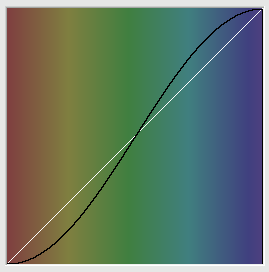
By clicking on this large button, you can open a window that displays the graph of hue present settings.
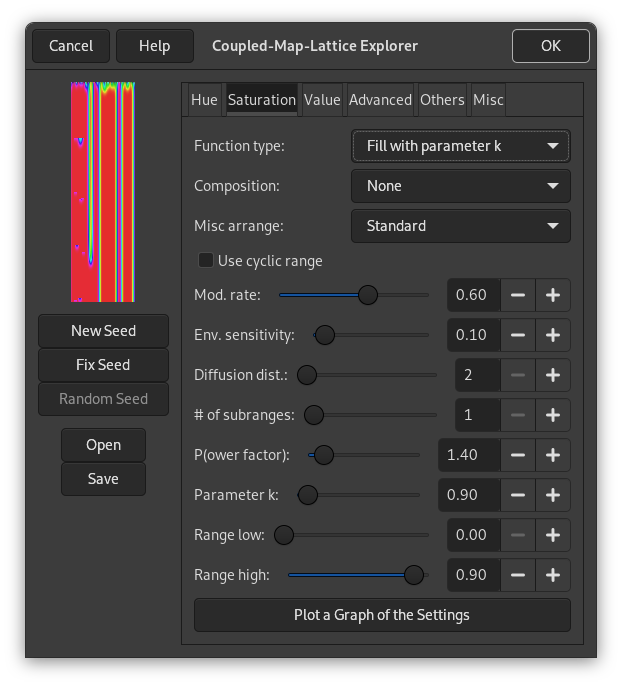
In this tab, you can set how Saturation component of the HSV color model will be used in pattern calculation.
These options are similar to Hue tab options.
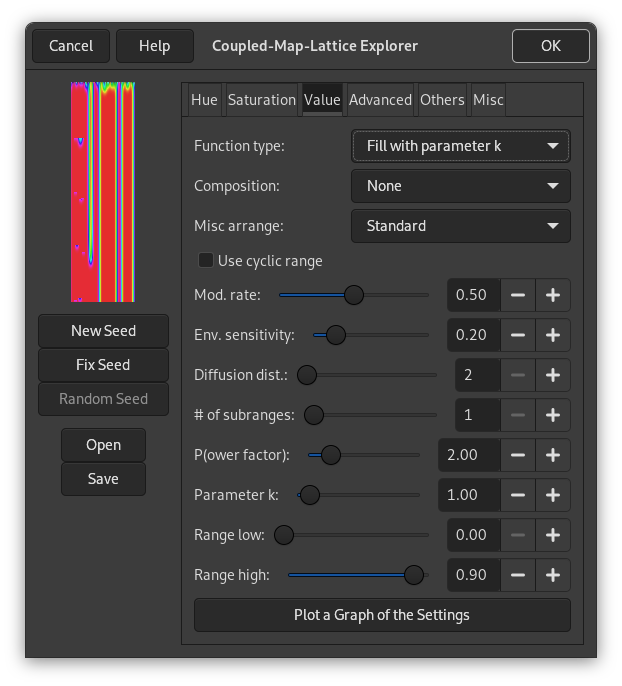
In this tab, you can set how the Value (Luminosity) component of the HSV color model will be used in pattern calculation.
These options are similar to Hue tab options.
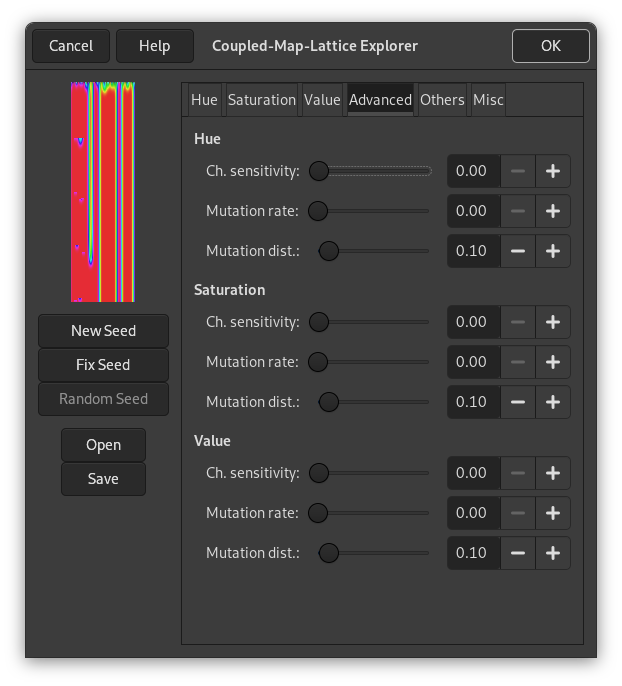
These tab settings apply to the three HSV channels.
- Channel sensitivity
- Mutation rate
- Mutation distance
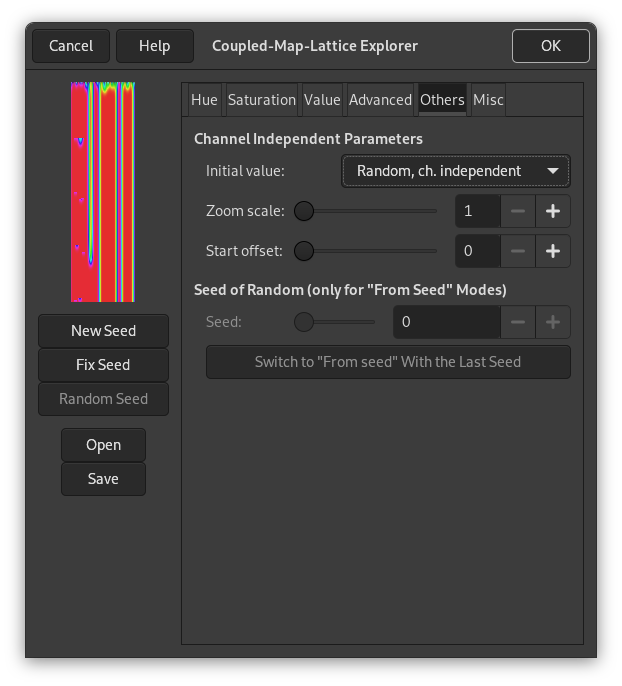
In this tab, you can find various parameters about image display and random intervention.
- Initial value
- Zoom scale
- Start offset
- Seed of Random
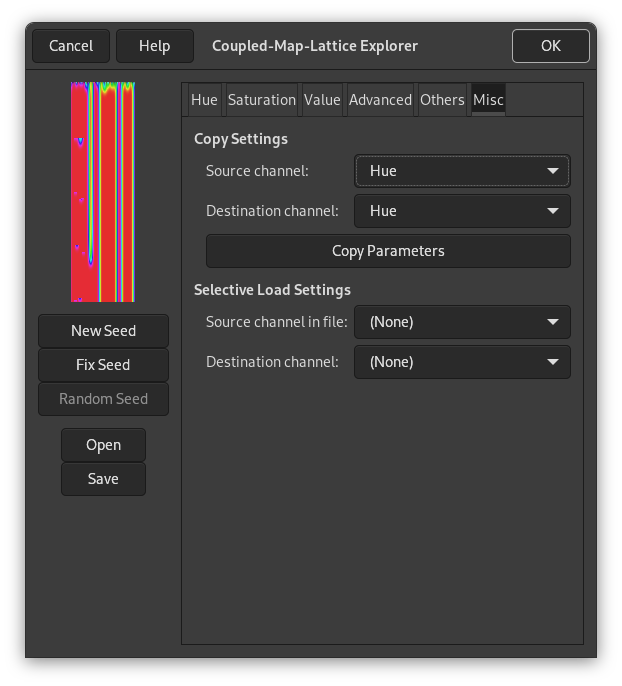
In this tab you can find various options about copy and loading.
- Copy Settings
-
These options allow you to transfer information from one of the HSV channel to another one.
- Selective Load Settings
-
With the button of this filter, you can load previously saved settings. If you don't want to load all of them, you can select a source and a destination channel here.


