The command increases the size of a selection in the current image. It works in a similar way to the Shrink command, which reduces the size of a selection.
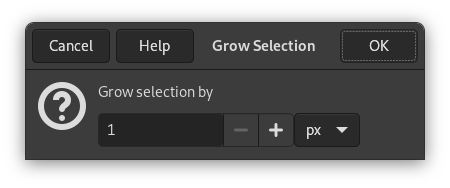
- Grow selection by
-
You can enter the amount by which to increase the selection in the text box. The default unit of measurement is pixels, but you can choose a different unit by using the drop-down menu.
When you grow a rectangular selection, the resulting selection has rounded corners. The reason for this is shown in the image below:
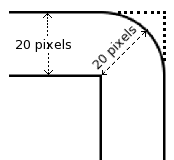
If you do not want rounded corners, you can use the Rounded Rectangle command with a 0% radius.


