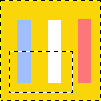
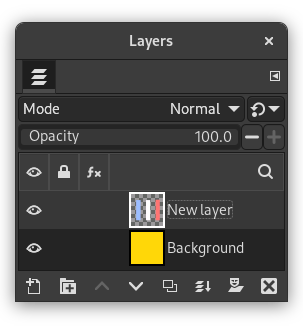
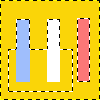
The command creates a selection from the combined alpha channels of all selected layers and adds that to the already existing selection.
Opaque areas are fully selected, transparent areas are unselected, and translucent areas are partially selected. The alpha channels of the selected layers are not changed.