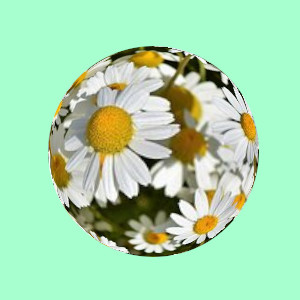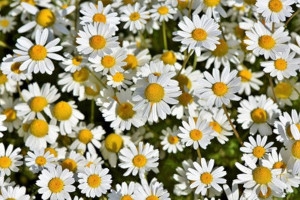
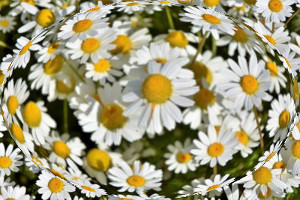
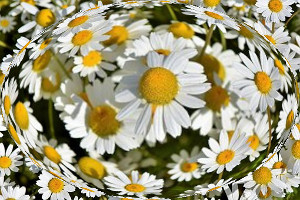
This filter creates a kind of bubble whose size is that of the image or selection, as if the content was wrapped around a sphere.
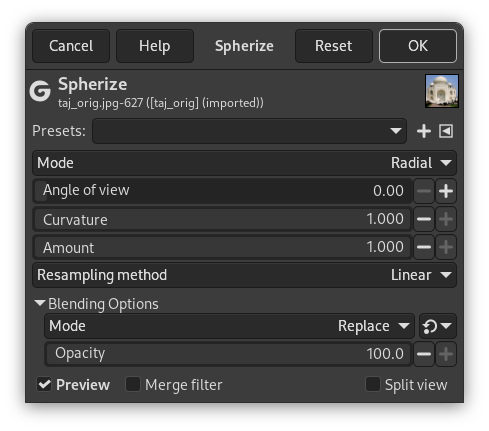
- Presets, “Input Type”, Clipping, Blending Options, Preview, Merge filter, Split view
-

Note These options are described in Section 2, “Common Features”.
- Mode
-
- Radial
-
Maps the image in a sphere around the center. This is the default. See the example above.
- Horizontal
-
Stretches the image horizontally around an imaginary sphere.
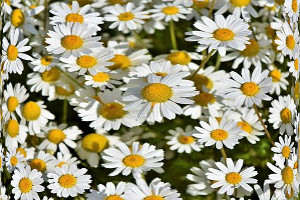
- Vertical
-
Stretches the image vertically around an imaginary sphere.
- Angle of view
-
Camera angle of view (0 - 180°)
- Curvature
-
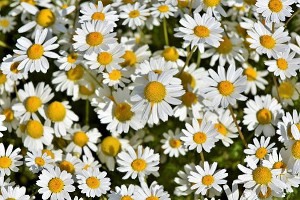
The Spherical cap angle, as a fraction of the complement angle of view. The result is less domed as the curvature decreases from 1 to 0.
- Amount
-
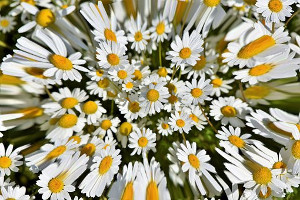
Interesting for negative values, which result in a hollow instead of a bump (from 1.000 to -1.000).
- Resampling method
-
These interpolation methods are described in Interpolation.
Drawing a selection before applying filter allows you to create another shape, such as a sphere: select Ellipse tool with the Fixed option checked; draw a circle; apply Spherize filter with the Use the selection as input selected. Invert selection and fill it with wanted background.