Figure 16.167. Extract Component applied
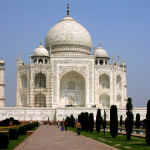
Original image
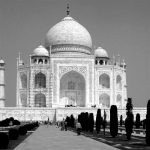
Command “Extract Component” applied with default options.
This command allows you to extract one specific color component from the current layer. This will be represented as a grayscale layer. It is similar to Decompose, except that it extracts only one component and the effect is performed on the current layer instead of creating a new image.
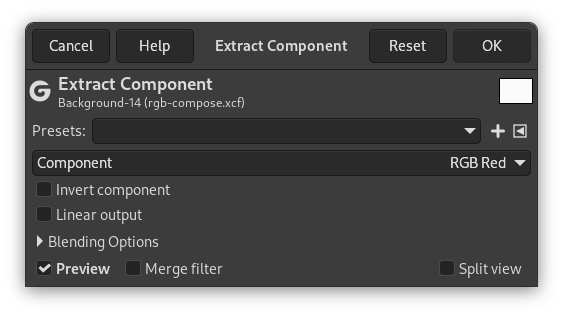
- Presets, Blending Options, Preview, Merge filter, Split view
-

Note These options are described in Section 8.1.2, “Colors Common Features”.
- Component
-
Component to extract. Default is RGB Red: all layer pixels that have the red component in their color will be extracted to create gray pixels; gray pixel value is that of the red channel (e.g a 153;70;17 RGB pixel will give a 153;153;153 gray pixel).
- Invert component
-
Invert all pixel values of the extracted component.
- Linear output
-
Use linear output instead of gamma corrected.


